
Best Laptops
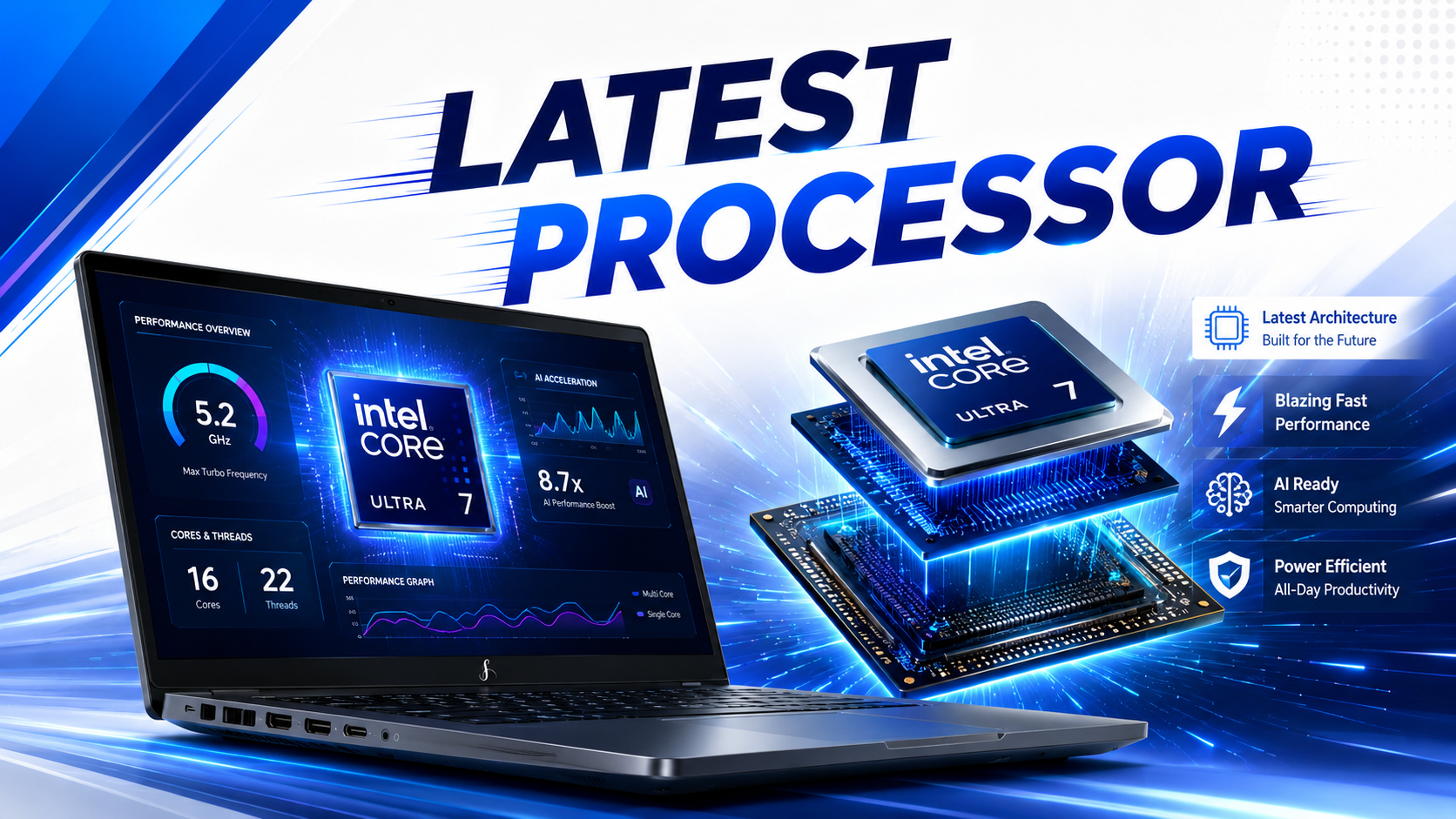
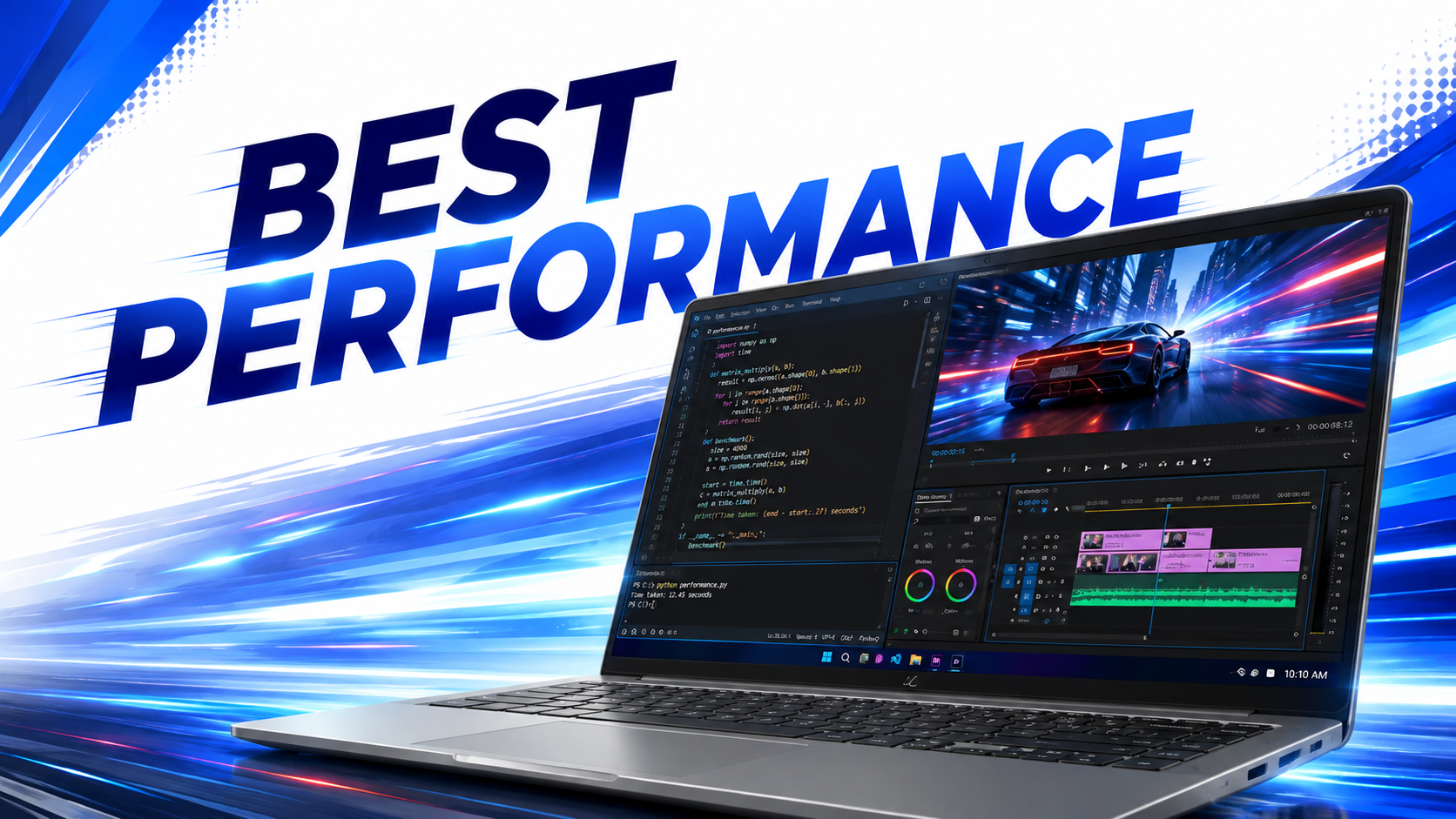
Best Laptops for Students
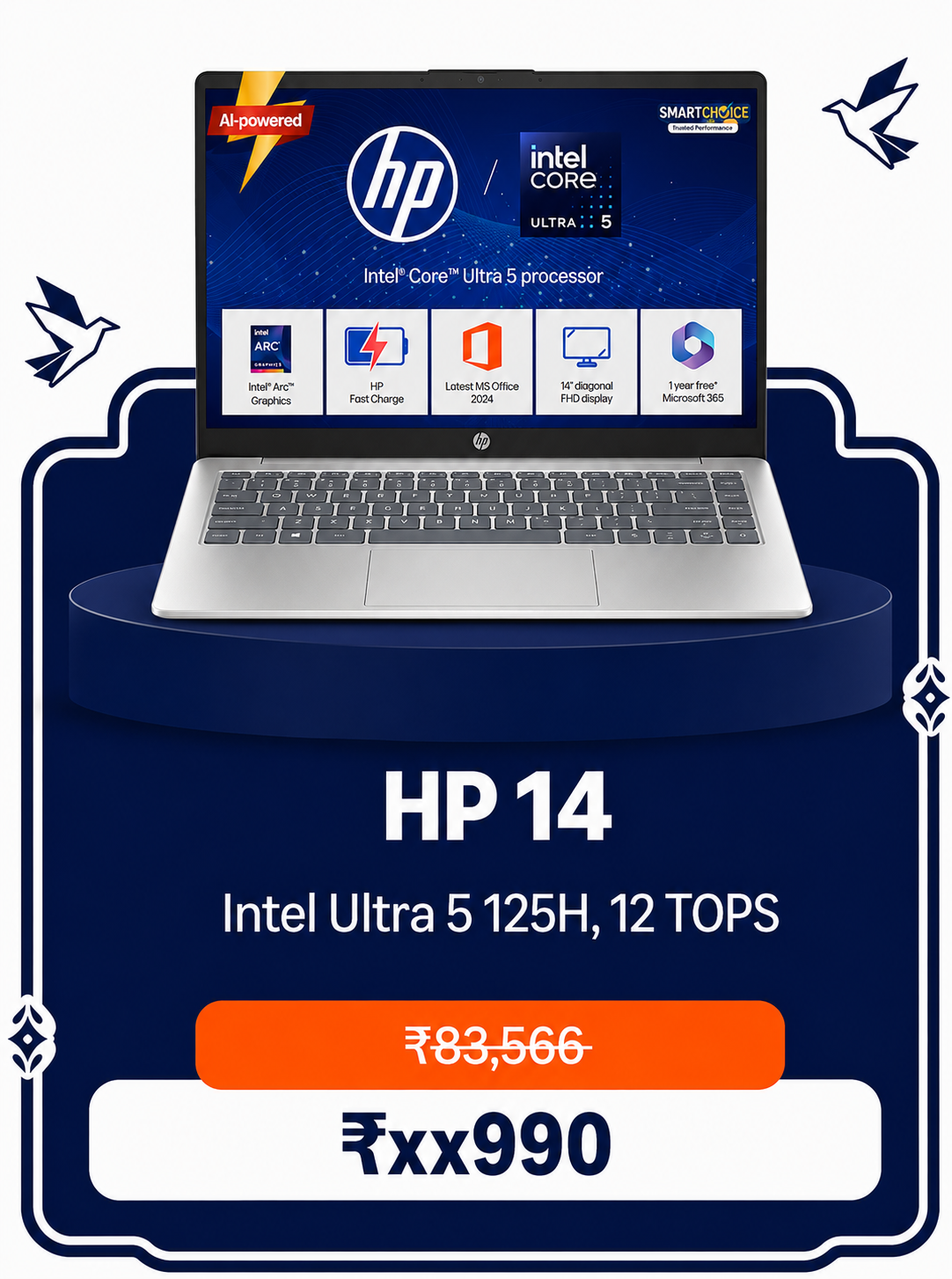
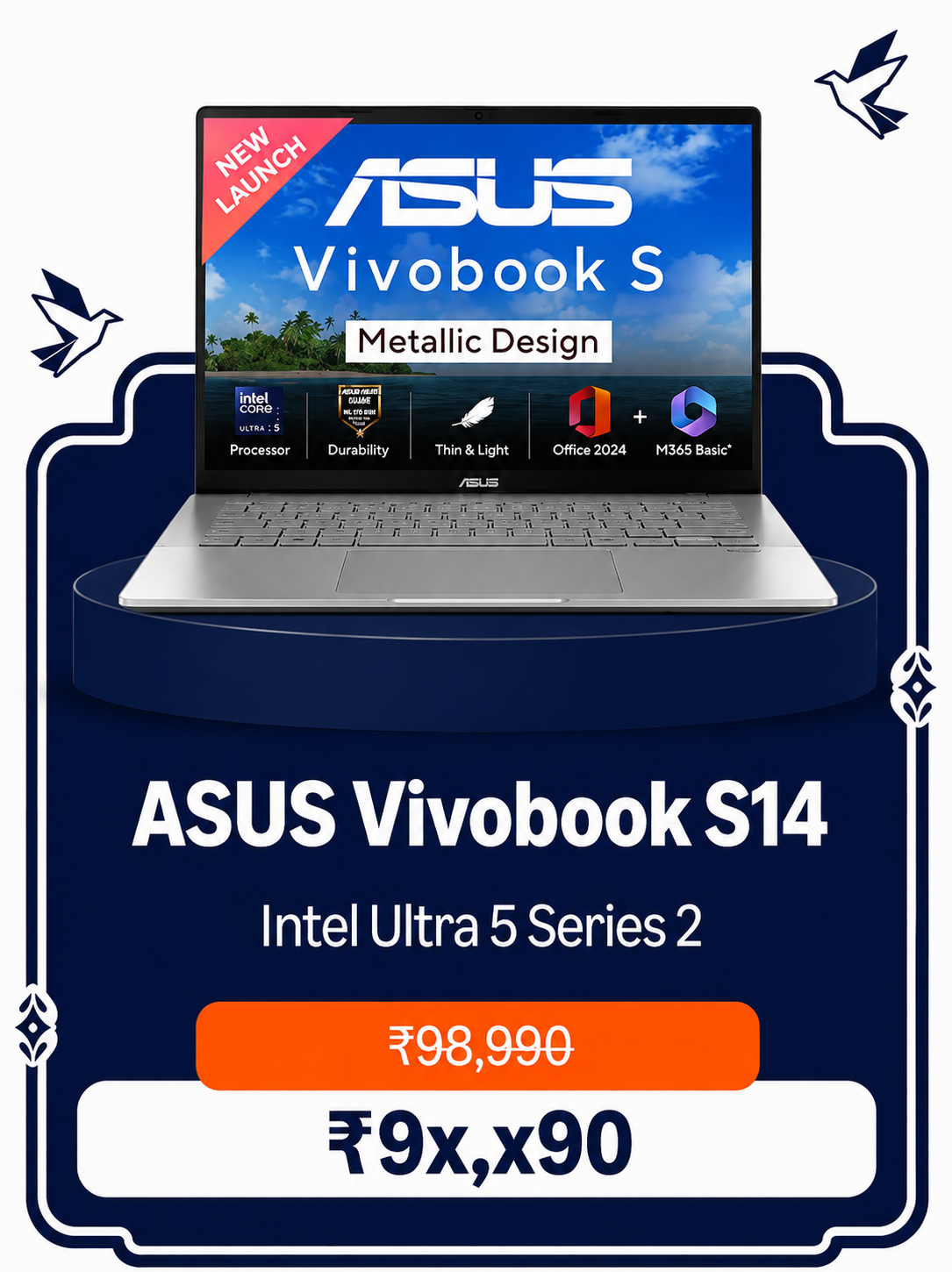
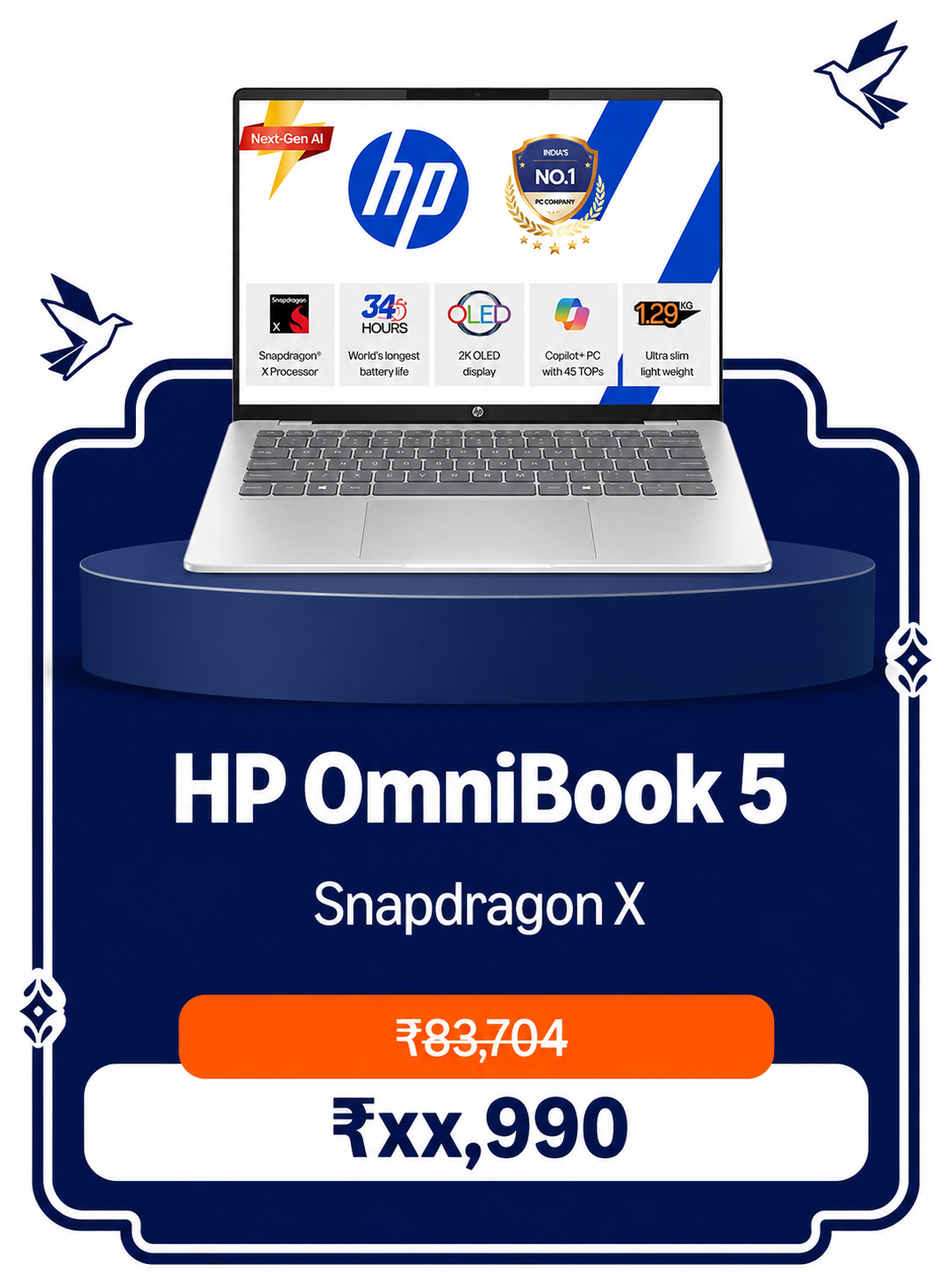
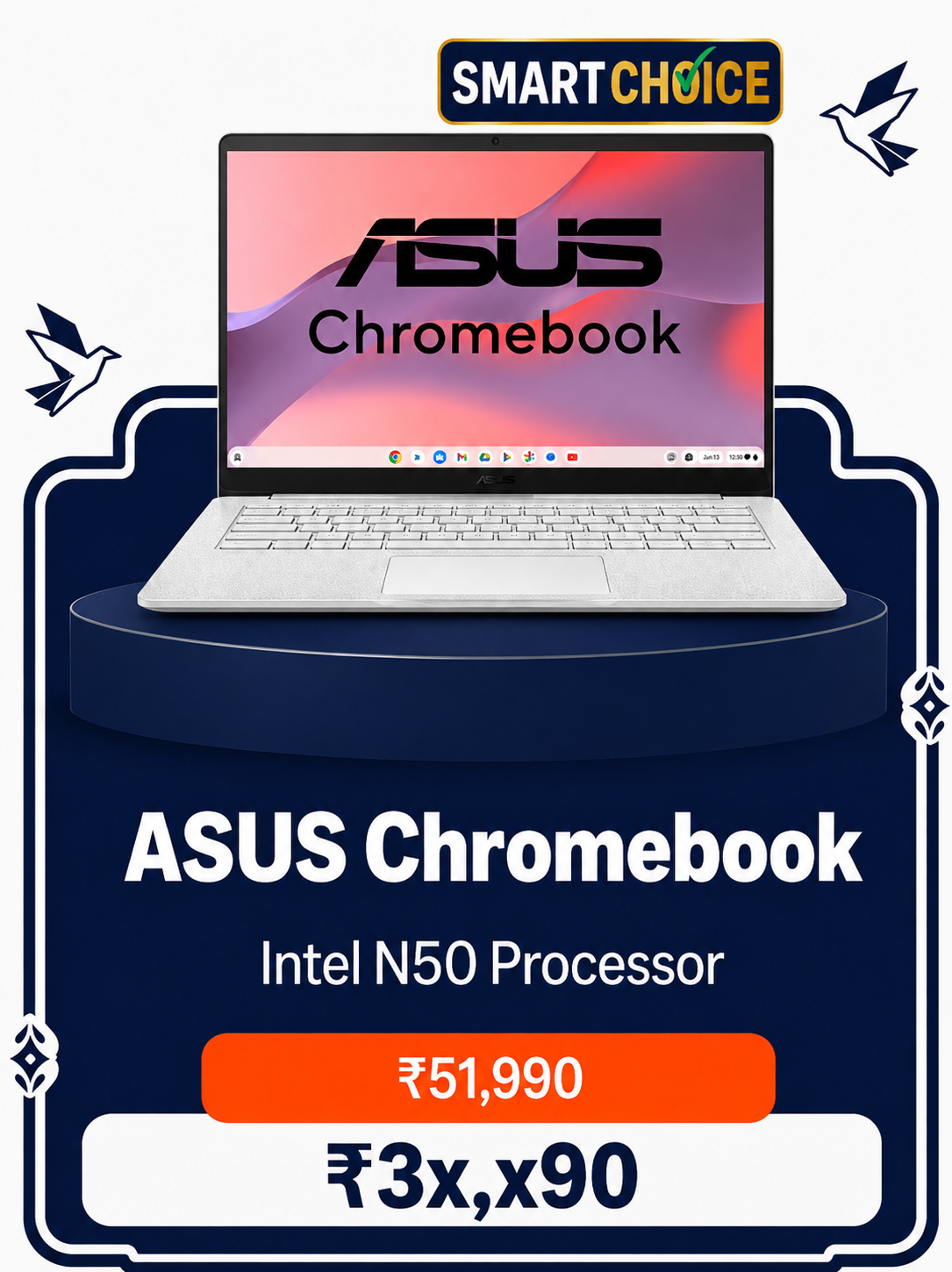
Great everyday laptop for basic study, browsing and assignments.
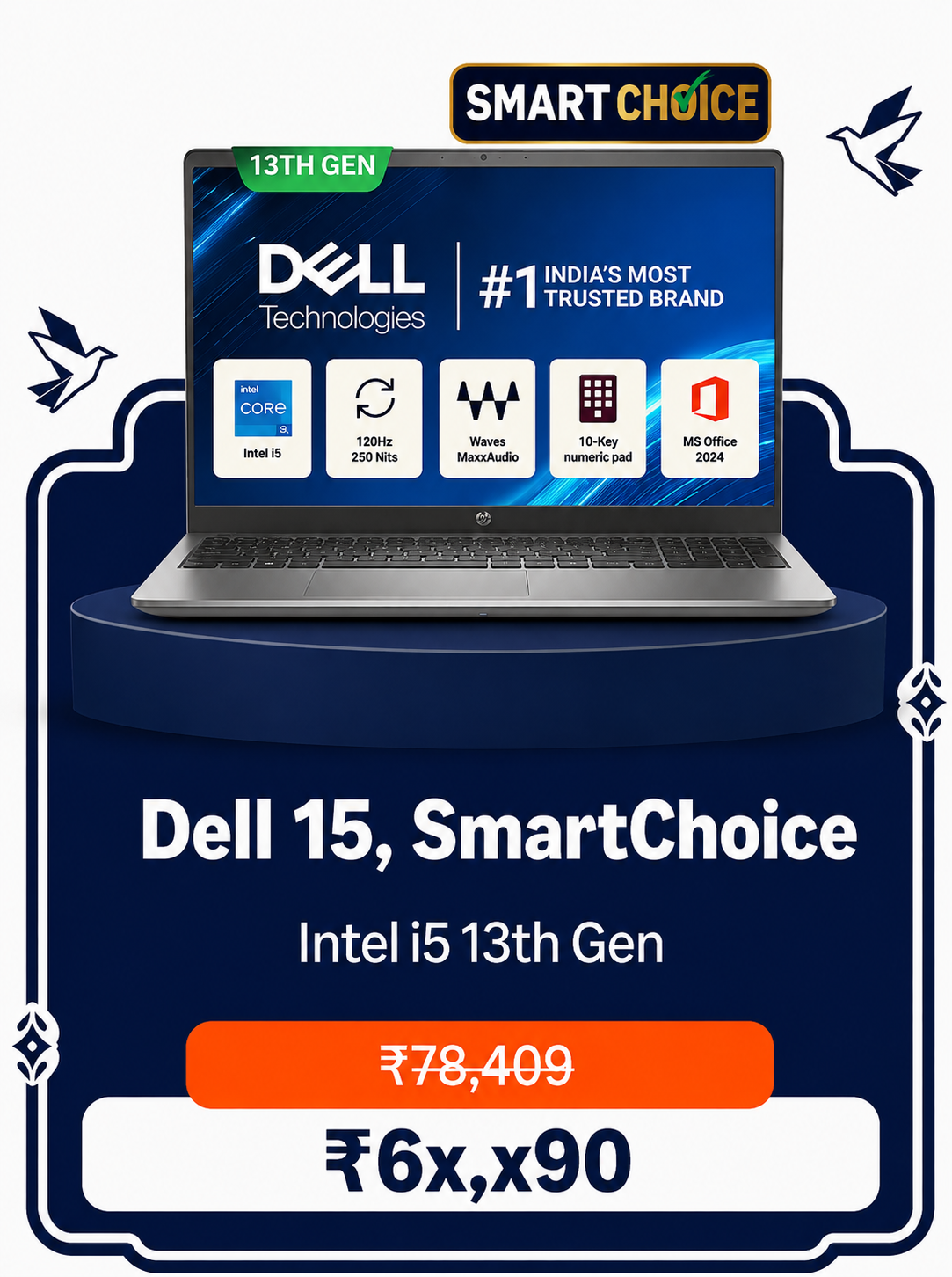
A step up for coding, multitasking and heavier college work.
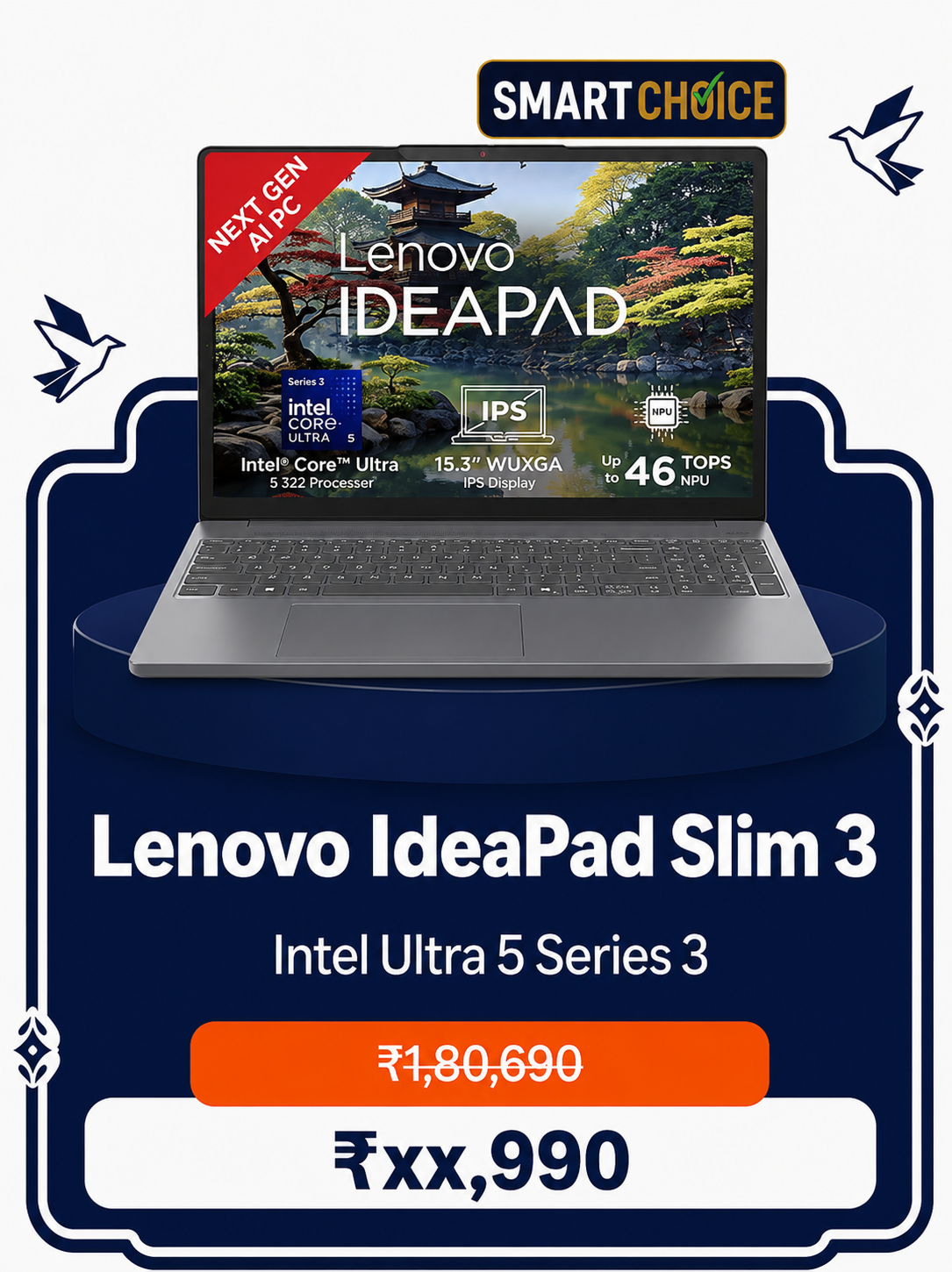
Handles engineering projects and demanding apps with ease.
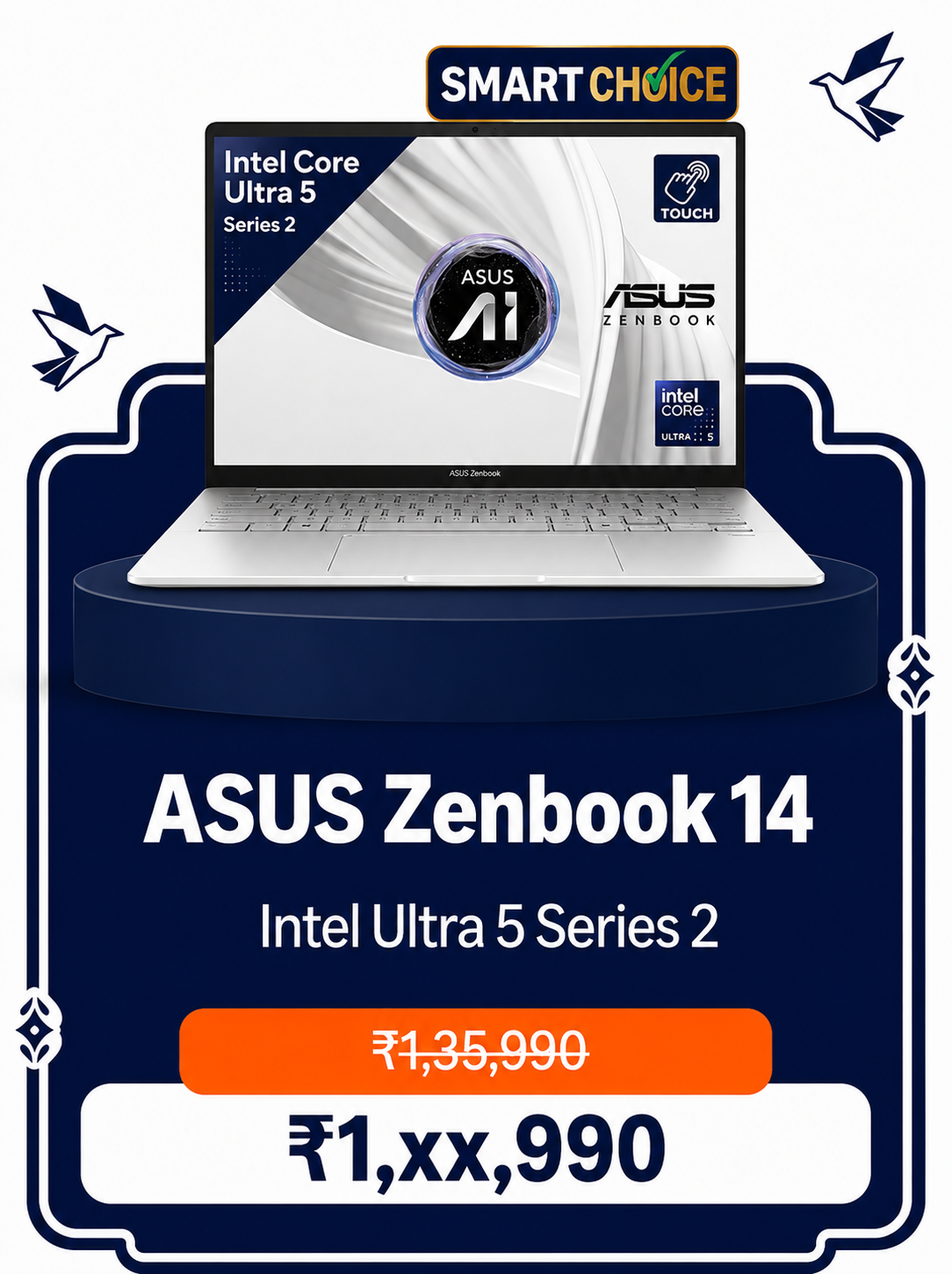
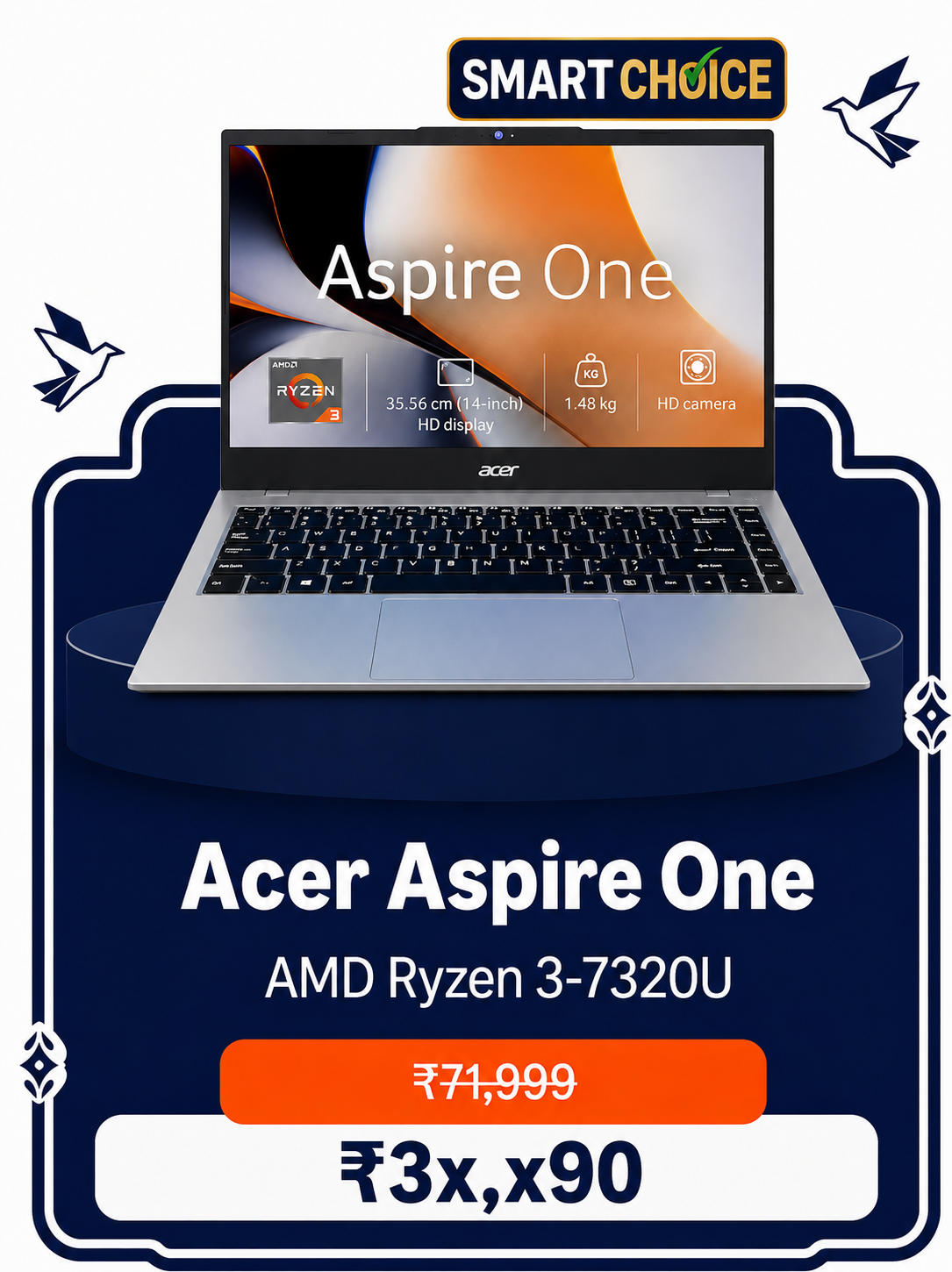
Best for multitasking, with added security via fingerprint login.
AI & ML ready, freelance-ready — After Effects, Blender and DaVinci Resolve run smoothly. Also great for gaming. Rated 4.9★.
Top-tier performance for AI, editing and gaming workloads. Rated 5★.

Shop by Top Brands







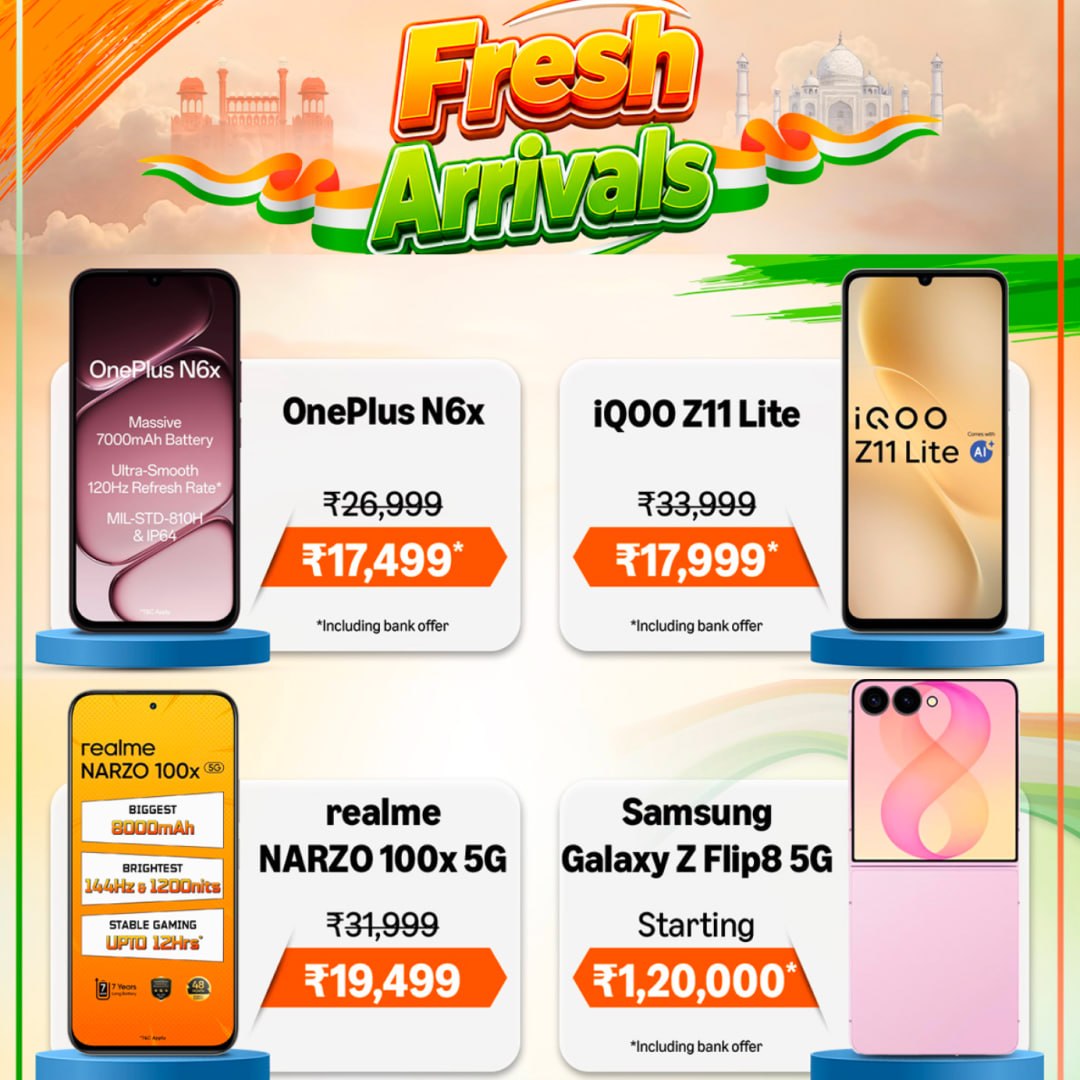
Smartphones for Every Budget
Get Deals on WhatsApp
Join our channel for daily price drops and launch alerts
Latest Launches in Mobiles

Minimum Specs for AIML Students 2026
Ryzen 5 7535HS / i5 12450H or better
RTX 2050/3050 if ML projects heavy. iGPU ok for basics
16GB must. 8GB = laptop hang అవుతుంది
512GB NVMe. 256GB సరిపోదు datasets కి
FHD IPS, 300 nits minimum
Engineering First Year Essentials
Electronics
Highest PriorityStudy Essentials
Daily College Essentials
Student Laptop Buying Guide (2026)
Buying a laptop is one of the most important decisions for every student. Whether you're joining Engineering, Degree, Pharmacy, BCA, MCA, or any professional course, choosing the right laptop will help you throughout your college life.
Why Do Students Need a Laptop?
Identify Your Purpose
Before purchasing a laptop, decide why you need it.
Decide Your Budget
Under ₹35,000
Suitable for
- Degree
- B.Sc
- Pharmacy
- Basic Study
₹35,000 – ₹50,000
Suitable for
- B.Tech First Year
- Coding
- Programming
- Assignments
₹50,000 – ₹70,000
Suitable for
- AI
- ML
- Data Science
- Editing
- Development
₹70,000+
Suitable for
- Professional Work
- Gaming
- Rendering
- Heavy Software
Choose the Right Processor
Intel
AMD
Always prefer the latest processor generation.
RAM Guide
Storage Guide
Choose SSD instead of HDD.
Other Specs That Matter
Display
Look for Full HD (1920×1080), an IPS panel and an anti-glare screen. OLED is a nice-to-have if the budget allows.
Graphics Card
Required for AI, Machine Learning, AutoCAD, Blender, video editing and gaming. Not required for basic coding, Degree, Pharmacy or B.Sc.
Battery Backup
Aim for a minimum of 6–8 hours to comfortably get through a full day on campus.
Weight
For daily college use, look for something under 1.8 kg so it's easy to carry all day.
Build Quality
Check for strong hinges, a good keyboard, a quality trackpad and a durable body.
Connectivity & Ports
Make sure it has USB Type-A, USB Type-C, HDMI, a 3.5mm audio jack, Wi-Fi 6 and Bluetooth 5.2+.
Operating System
Windows 11 is recommended for most students. Choose macOS only if your work specifically requires it.
Warranty
Prefer a 1-year brand warranty, with extended warranty and accidental damage protection as optional add-ons.